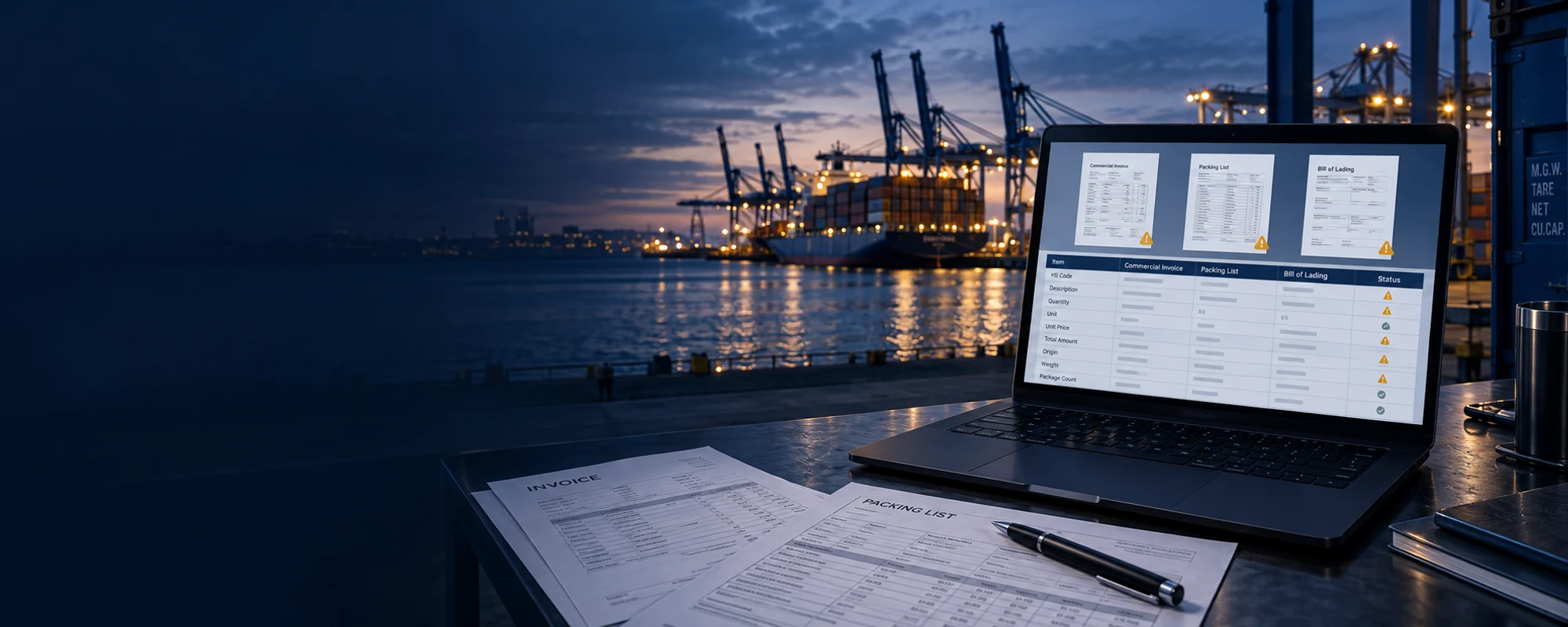
Catch document discrepanciesbefore you file.
Check invoices, packing lists and arrival notices against each other before preparing your declaration.
Customs Engine 04
One place to check your trade documents
Match fields across documents and review differences, missing information and items that need attention.
Comparison matrix Illustrative example
| Check | Invoice | Packing List | Arrival Notice |
|---|---|---|---|
| Product description | Provided | Provided | Reference |
| Quantity and unit | 500 PCS | 500 PCS | 480 PCS |
| Weight and volume | 10,000 kg | 9,800 kg | 9,800 kg |
Error-check workflow
Map fields
Compare
Detect
Review
Approve
Illustrative example / CP-2024-0815
3 Needs review Cross-document result
4Check1Matched3Needs review
| Check | Invoice | Packing List | Arrival Notice | Result |
|---|---|---|---|---|
| Product description | Provided | Provided | Reference | Matched |
| Quantity and unit | 500 PCS | 500 PCS | 480 PCS | Needs review |
| Weight and volume | 10,000 kg | 9,800 kg | 9,800 kg | Needs review |
| Shipper and consignee | Provided | - | Provided | Needs review |
A clearer review before declaration.
Bring comparisons and corrections together for operator review.
| Task | Reviewing files separately | CustPro Error-Check |
|---|---|---|
| Compare documents | Find and compare the same fields in each file | Match corresponding fields in one review screen |
| Find gaps and differences | Check each file for missing or conflicting values | Highlight the items that need attention |
| Prepare the handoff | Compile review notes and corrections separately | Pass reviewed data to the next stage |
What Error-Check covers
Values and currency
Check unit price × quantity, line-item totals, currency consistency and prices against past orders.
Weights
Check unit weight × quantity, net and gross weights, and differences between invoices, packing lists and arrival notices.
Quantities and volume
Verify quantity totals, volume calculations, packing specifications and container utilization.
Document details
Check product descriptions, HS codes, shipper and consignee details, dates and transport information.
AI comparison with past orders
Use your company order history to compare similar shipments, price changes and product specifications, and flag unusual values.
Encrypted storage and audit logs
Documents and reports are stored encrypted, with logs to trace operations. The order knowledge base is used only within your company.
What the report includes
Shipment details
Document, shipper, consignee, date and transport checks
Values
Line totals, unit price × quantity, overall totals and currencies
Weight and volume
Net and gross weight, volume and packing checks
Quantities
Cross-document quantities, package counts and units
Historical comparisons
Similar orders, price changes, specifications and anomaly alerts
Issues and recommendations
Discrepancies, missing fields, candidates with confidence levels, risk ratings and items for manual review
Talk to us about CustPro
We can discuss an implementation and pricing approach for your operations.
PRICING
Simple pricing plans
14-day free trial · No credit card required
STANDARD
¥10,000 /month, before tax
The three core tools for document extraction, HS suggestions and NACCS output.
- AI OCR
- HS code recommendations
- Automatic NACCS data entry
- All three core tools
PROFESSIONAL
Recommended¥20,000 /month, before tax
The full workflow, from incoming emails to declaration preparation.
- Email Agent
- All core features
- API integration
- Priority support
ENTERPRISE
Contact us
A plan tailored to your requirements and operating environment.
- Custom solutions
- SLA commitments
- On-premises deployment
Subscriptions renew automatically.
USAGE BASED
Usage-based pricing
Pricing is based on the number of declarations processed each month.
| Monthly declarations | Unit price (JPY/case, before tax) | Typical scale |
|---|---|---|
| 0-500 entries | ¥220 | Small |
| 501-2,000 entries | ¥180 | Medium |
| 2,001-5,000 entries | ¥140 | Growth |
| 5,001-10,000 entries | ¥120 | Large |
| 10,001+ entries | ¥100 | XL/Negotiable |